

Download MX Player Beta APK – video player, mobile video player, multimedia app, APK, free video player, Android video player, video playback, video streaming, mobile media player, video acceleration, gesture controls, subtitle support
Overview
MX Player Beta APK is a multimedia application developed by MX Media, designed as the beta iteration of the widely recognized mobile video player. This version aims to deliver a refined and feature-rich experience for users seeking seamless video playback across a wide range of formats. The software enables users to access and play all video files stored on their Android devices directly upon launch, streamlining the viewing process. It serves both casual users and media enthusiasts who require reliable playback of diverse video content, including high-definition and uncommonly formatted files.
Targeted primarily at Android users, the app is ideal for individuals who frequently consume media on their smartphones or tablets. Its core purpose lies in eliminating playback barriers by supporting virtually all video formats and offering advanced decoding capabilities. Real-world usage scenarios include watching home videos, streaming content from local storage, or enjoying subtitles in multiple formats. The beta status indicates ongoing development, suggesting potential improvements and new features in future releases.
The developer, MX Media, has established a reputation for creating efficient media tools, though specific details about the company’s background were not provided. As a beta release, the app may include experimental features or temporary limitations not present in stable versions.
Key Features & Capabilities
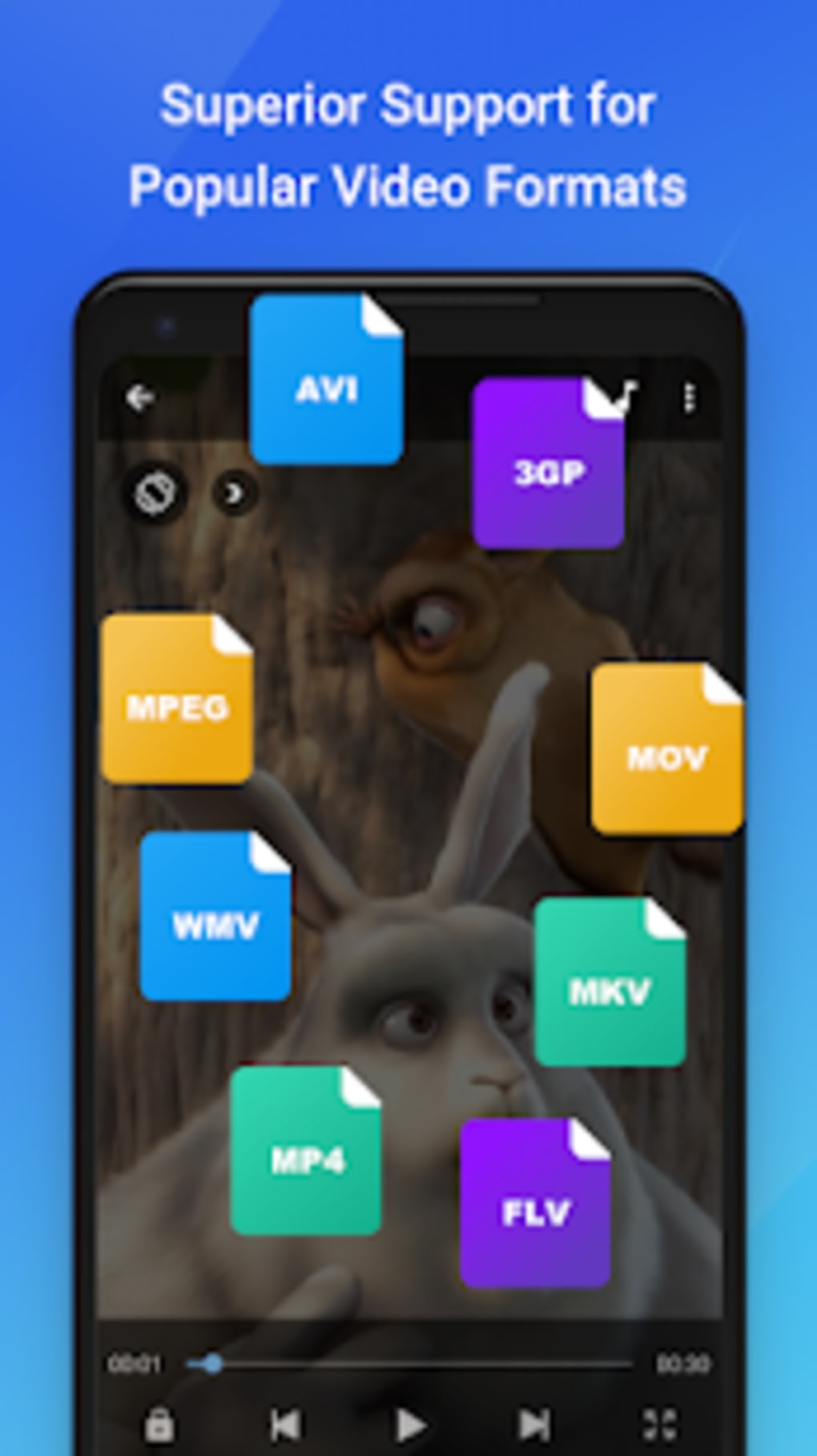
- Universal Video Format Support – The app plays an extensive range of video formats, ensuring compatibility with files from various sources, including older or non-standard codecs.
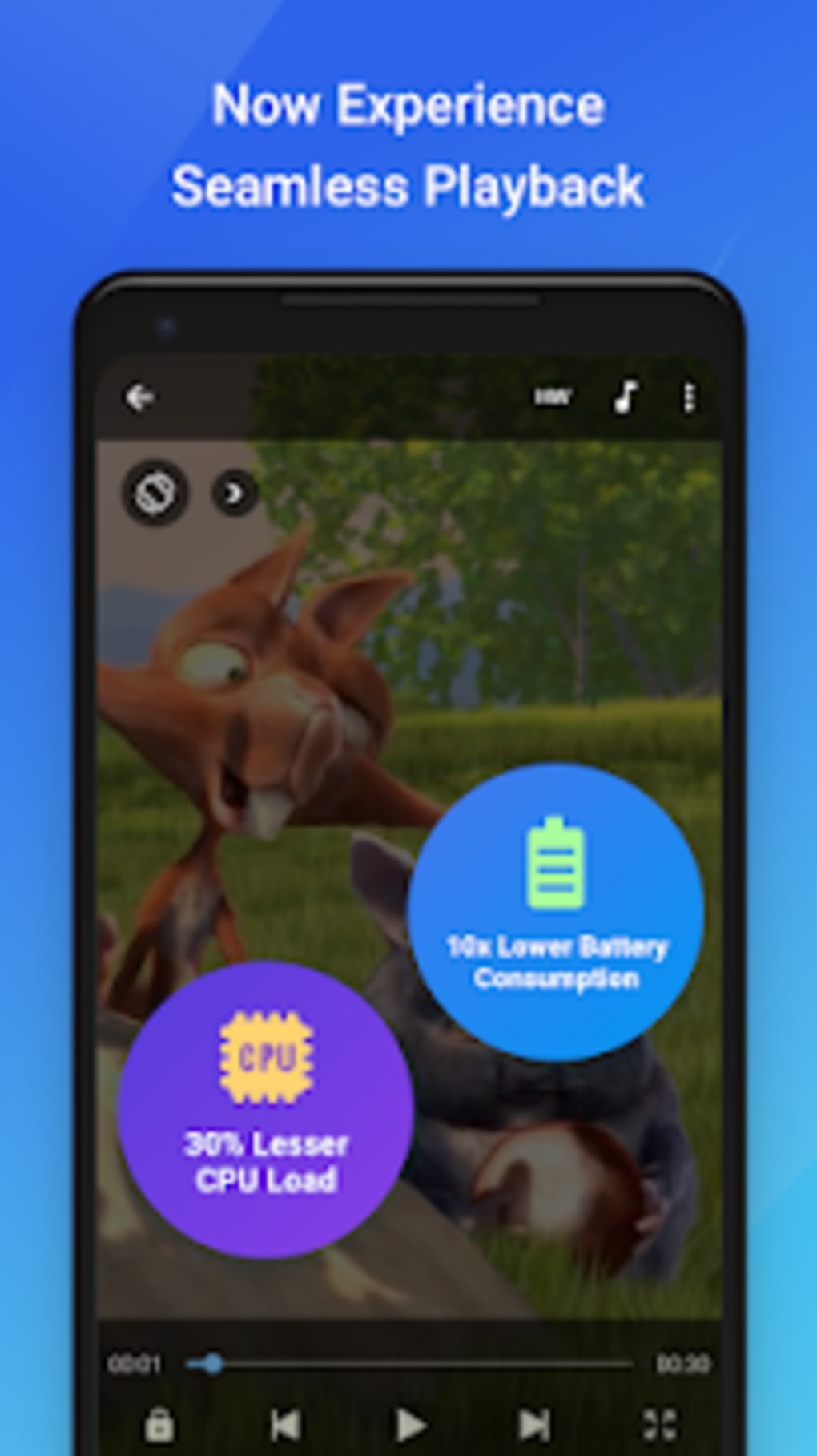
- Advanced Video Acceleration – Utilizes hardware-based decoding (HW+) to reduce lag and enhance playback smoothness, especially on high-resolution or complex video files.
- Gesture Controls – Offers intuitive touch gestures such as pinch-to-zoom, swipe to pan, and tap to play/pause, enabling hands-free navigation during playback.
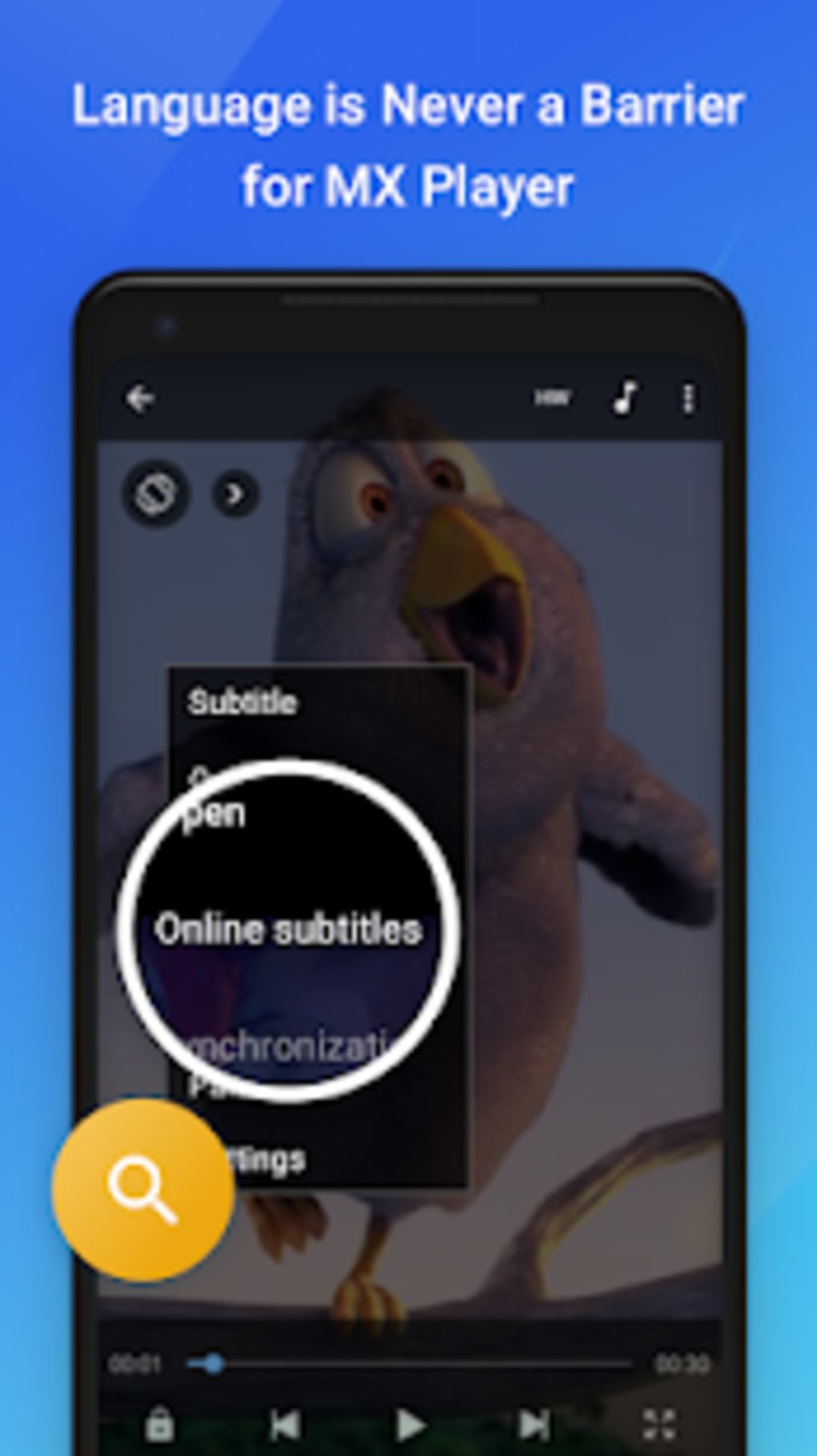
- Subtitle Management – Supports multiple subtitle formats including SRT, TXT, VTT, SSA, and ASS, allowing users to load, adjust, and edit subtitles directly within the app.
- In-App YouTube Browsing – Allows users to search and view YouTube content without leaving the application, integrating streaming functionality into the playback environment.
These features collectively enhance user control and viewing flexibility. For instance, pinch-to-zoom enables detailed inspection of specific video areas, while gesture-based navigation ensures quick access to playback functions. Subtitle support is particularly beneficial for multilingual users or those who rely on captions. The in-app YouTube browsing feature expands the app’s utility beyond local files, making it a hybrid media hub.
User Interface, Workflow & Performance
The user interface of MX Player Beta APK is designed for simplicity and efficiency, with a clean layout that prioritizes video playback and essential controls. Upon launching, the app automatically scans and displays all available video files, reducing the need for manual navigation. The interface is organized around core playback functions, including play/pause, volume, brightness, and subtitle settings, accessible via intuitive on-screen buttons or gestures.
Navigating through media libraries is straightforward, with minimal steps required to start playback. The workflow is optimized for mobile use, leveraging touch-based interactions to maintain responsiveness. Users can quickly switch between videos, adjust playback speed, or manage subtitle timing without interrupting the viewing experience.
Performance observations are based on general software behavior patterns. The app leverages hardware acceleration to minimize lag, though exact resource usage details were not specified. Stability may vary in beta releases, and occasional glitches or crashes cannot be ruled out. The developer did not provide additional system requirements or performance benchmarks.
Compatibility & System Requirements
MX Player Beta APK is designed for Android devices, ensuring compatibility with a broad range of smartphones and tablets running the platform. The software version is listed as 1.0.0.1, indicating it is a recent release. The installation size is 35.7 MB, which is relatively compact for a multimedia application with advanced features.
Exact system requirements were not listed. Compatibility information is limited to the operating system, suggesting it may support Android 5.0 and above, as is common for similar apps. However, users should verify their device specifications before installation. The app is distributed as an APK file, meaning it is intended for manual installation outside official app stores.
Pros and Cons
Pros
- Supports a wide variety of video formats, including uncommon or legacy codecs.
- Offers hardware-accelerated playback for smoother video streaming.
- Intuitive gesture controls enhance navigation and user interaction.
- Comprehensive subtitle support across multiple file types.
- Includes in-app YouTube browsing for integrated content access.
Cons
- Ad-supported model may lead to frequent interruptions during playback.
- Requires numerous permissions, which may raise privacy concerns.
- As a beta version, may include bugs or unstable behavior.
- Manual APK installation is required, which may deter less technical users.
- Some features, like ad removal, are locked behind a subscription.
FAQ Section
Is MX Player Beta APK safe to download and install?
The app is distributed by MX Media, the official developer of the MX Player series. However, since it is an APK file, users should ensure they download it from the official website to avoid tampered or malicious versions.
Can I use MX Player Beta without an internet connection?
Yes, the app functions fully offline. It can play videos stored locally on your device and does not require a constant internet connection for core playback features.
Does the app support subtitles in different languages?
Yes, the app supports multiple subtitle formats, including SRT, TXT, VTT, SSA, and ASS, allowing users to view subtitles in various languages and formats.
How often are updates released for MX Player Beta?
As a beta version, updates are released periodically to address bugs, improve performance, and introduce new features. The release date of this version was May 15, 2024.
Is there a free version available, and what are the limitations?
Yes, the app is free to download and use. However, it is ad-supported, and certain advanced features are restricted unless users subscribe to the pro version.
Final Thoughts + CTA
MX Player Beta APK presents a compelling option for Android users seeking a powerful, versatile video player with advanced features. Its support for nearly every video format, combined with hardware acceleration and gesture controls, makes it a strong contender in the mobile media player space. While the ad-supported model and permission requests may be drawbacks for some, the app’s functionality and ease of use justify its value for media consumers.
Although it is a beta release and may contain occasional instability, the core features are well-implemented and deliver a smooth playback experience. Users who prioritize format compatibility, subtitle flexibility, and intuitive controls will find this app particularly beneficial.
Download MX Player Beta APK now





.png)

